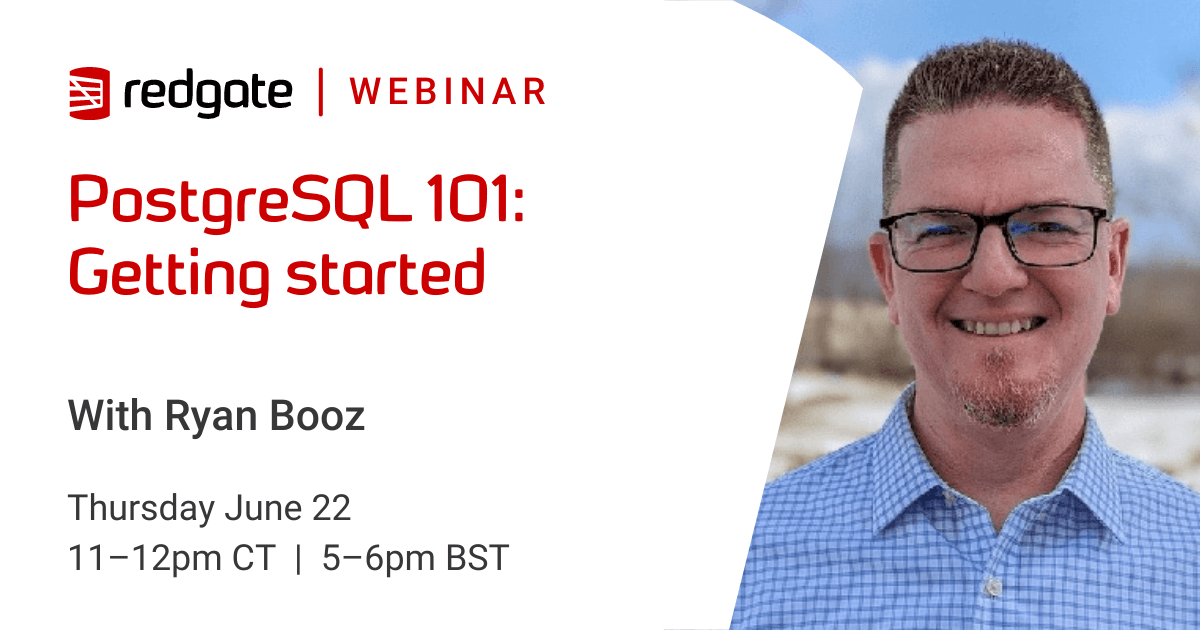
PostgreSQL 101: Getting started with PostgreSQL for SQL Server Developers (AEST and SGT Time Zones)

In the first two webinars, we've discussed why PostgreSQL has become such a force in recent years and some of the main differences for SQL Server users to know.
In this follow-up webinar, find out how to take your first steps using PostgreSQL.

Join Ryan Booz, PostgreSQL Advocate at Redgate, and discover:
-The freely available options to help you get started
-The essential tools you will need when using PostgreSQL
-Some learning resources to help you take the next steps

External Article

PostgreSQL 101: Getting started with PostgreSQL for SQL Server Developers (CT and BST Time Zones)

In the first two webinars, we've discussed why PostgreSQL has become such a force in recent years and some of the main differences for SQL Server users to know.
In this follow-up webinar, find out how to take your first steps using PostgreSQL.

Join Ryan Booz, PostgreSQL Advocate at Redgate, and discover:
-The freely available options to help you get started
-The essential tools you will need when using PostgreSQL
-Some learning resources to help you take the next steps

SQLServerCentral Editorial

Trust!

The difference between a low trust society (few individuals within a trust circle outside your family and/or tribe) and a high trust society (general trust of individuals beyond immediate family/tribe associations) generally speaking can be measured as the difference between a low tech (low trust) and high tech (high trust) society. Yes, exceptions abound, but […]

SQLServerCentral Article

MuleSoft Integration with Azure Key Vault

Introduction MuleSoft Anypoint is a platform that helps to aggregate and integrate data from different source systems. As part of the data integration, the MuleSoft Anypoint Environment needs source system and target system login credentials stored in the platform, making it a vulnerability. The storage is vulnerable to attacks from cyber-criminals. This vulnerability can arise […]

Blogs

T-SQL Tuesday #196: Taking Risks

By

This month we have a new host, James Serra. I’ve been trying to find...

The First Steps: Understanding the Basics of FinOps

By

As a DevOps professional, I’ve seen firsthand how cloud costs can quickly spiral out...

Monday Monitor Tips: AI Query Analysis

By

AI is everywhere. It’s in the news, it’s being added to every product, management...

Read the latest Blogs

Forums

would it be so terrible to install ssms on a few user desktops?

By stan

Hi, ssms is free here.   I can think of other reasons to do this...

I'm thinking about submitting some articles

By Doctor Who 2

I've written some documentation on using different Markdown types of files on GitHub. It's...

Not Just an Upgrade

By Steve Jones - SSC Editor

Comments posted to this topic are about the item Not Just an Upgrade

Visit the forum

Question of the Day

Restoring On Top I

I am doing development work on a database and want to keep a backup so I can reset my database. I make some changes and want to restore over top of my changes. When I run this code, what happens?

USE Master
BACKUP DATABASE DNRTest TO DISK = 'dnrtest.bak'
GO

USE DNRTest
GO
CREATE TABLE MyTest(myid INT)
GO
USE master
RESTORE DATABASE DNRTest FROM DISK = 'dnrtest.bak' WITH REPLACE

See possible answers