

It’s actually a simple procedure, but I thought I’d write a short note to help me remember. The procedure is documented in Books Online.
When I first started playing with this version, I noticed that SQL Agent was disabled. That’s not great, since SQL Agent is a great tool for various tasks in SQL Server. I can’t start the agent from here, as the underlying implementation is different, and I’m not really a host OS admin when connecting in SSMS.
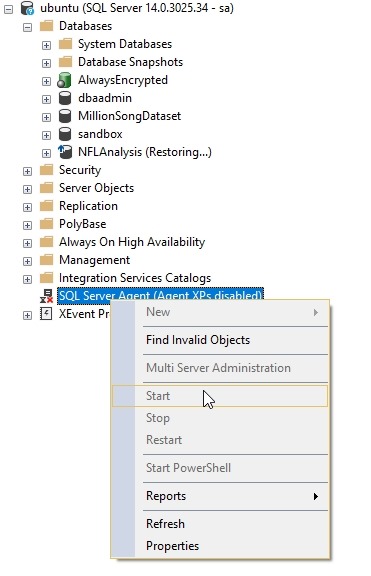
After checking which patch level I was at (CU6), I changed to my Linux console, and ran the configuration utility. For Linux, this is mssql-conf.

The next step is to run the command listed to restart the system. I actually just ran
sudo sysmctl restart mssql-server
Once this was done, I refreshed SSMS.

This appears to work, but let’s test it. I’ll create a new job that does a backup of a database. This should be simple, and I’ll use defaults, just a filename for a full backup. I’ll use this command:
backup database dbaadmin to disk = ‘dbaadmin.bak’ with init
I save the job and run it. Sure enough, I have a backup.

Tada, now I can move forward with work.
SQLNewBlogger
This is a fairly simple thing to do, but the writing helps me remember, but more importantly, I can document that I’ve done some learning here and experimenting.
The next person thinking about interviewing you wants to know that you can learn and solve problems.
