
Virtual Presentation Tomorrow
I’ll be presenting a practice run at one of my PASS Summit presentations, Identifying Common Performance Problems using Execution Plans,...
2010-10-27
668 reads
I’ll be presenting a practice run at one of my PASS Summit presentations, Identifying Common Performance Problems using Execution Plans,...
2010-10-27
668 reads
Benjamin Nevarez (blog) has been working really hard on a book on the Query Optimizer. It just got finished in...
2010-10-26
600 reads
The SQLRally, a new PASS initiative taking place in the spring, is going to be a community driven event. This...
2010-10-26
1,075 reads
I can’t believe I missed this one in all the posts and recommendations I’ve been making about great sessions coming...
2010-10-25
450 reads
I received word over the weekend that my precon application had made it past committee and was now subject to...
2010-10-25
611 reads
Less than two weeks to go until the PASS Summit. I’m excited. I’ve managed to cram a ton of activities...
2010-10-25
677 reads
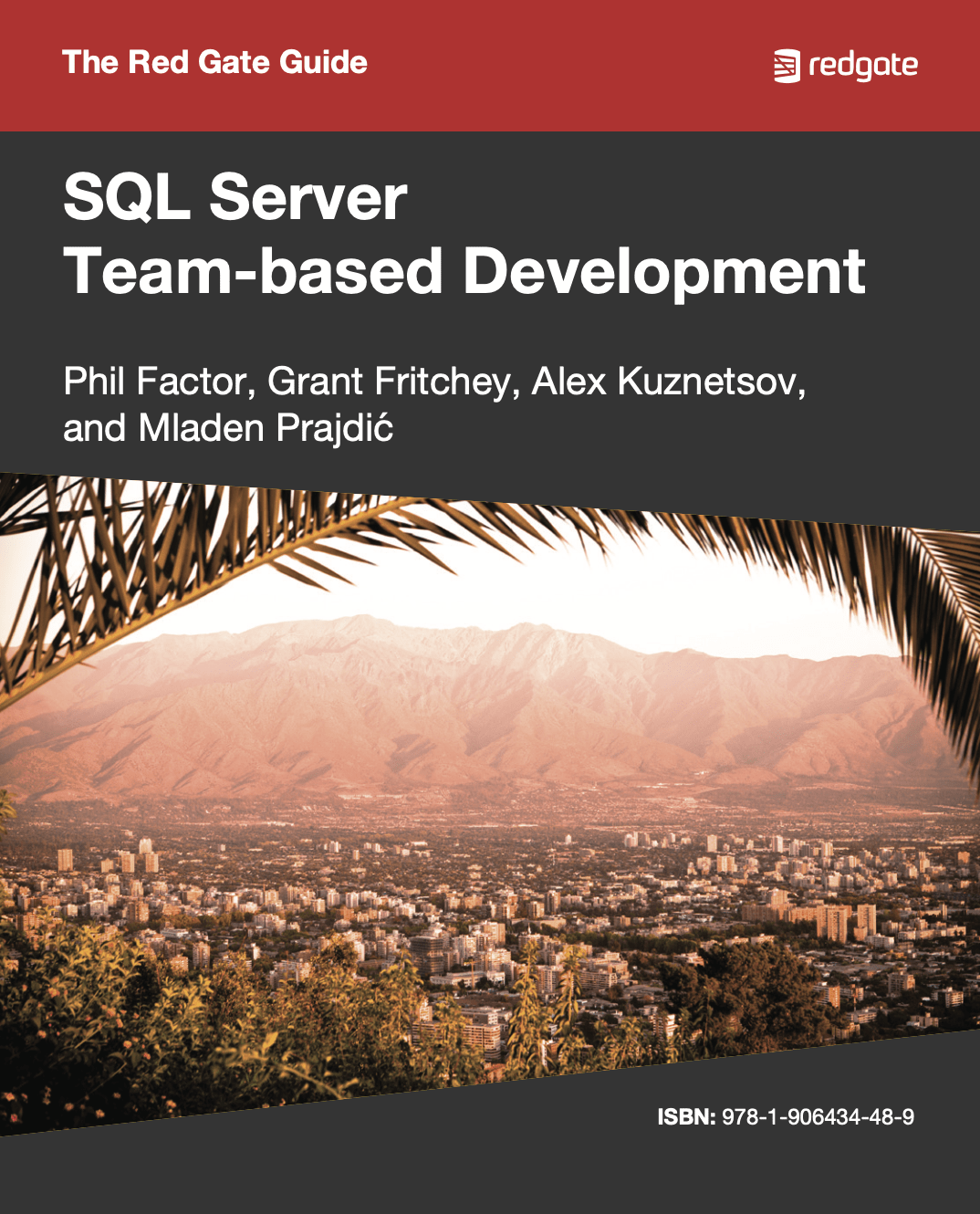
This book shows how to use of mixture of home-grown scripts, native SQL Server tools,
and tools from the Red Gate SQL Toolbelt, to successfully develop database applications in a team environment,
and make database development as similar as possible to "normal" development.
2010-10-21
4,859 reads
Last year, with the infinite power at my disposal (read, zero), I declared Wednesday, Kilt Wednesday at the PASS Summit. It took...
2010-10-20
1,441 reads

Sigh… I just spent almost a full work day trying to come up with, what turned out to be a...
2010-10-20
4,525 reads
I’ve got a couple of more sessions before the big two at the PASS Summit. Tomorrow night, October 20th, I’ll...
2010-10-19
715 reads
By Steve Jones
This is timely, as I’m currently on a boat in the Adriatic taking a...
You can find the slides and SQL scripts for my session “Spice up your...
By SQLPals
How to Clear the SSMS Cache (SSMS 21 and Later) Updated...
Comments posted to this topic are about the item Using CHOOSE()
Comments posted to this topic are about the item Re-Seeding a Broken Log Shipping...
Comments posted to this topic are about the item The DBA is Dead! Long...
We have this code that sets some status values and then queries them using the CHOOSE() function in SQL Server 2025.
CREATE TABLE Status
(
    StatusID INT,
    StatusDescription VARCHAR(20)
);
GO
INSERT dbo.Status
(
    StatusID,
    StatusDescription
)
VALUES
(0, 'Uncategorized'),
(1, 'Active'),
(2, 'Inactive'),
(3, 'Temp');

GO
SELECT CHOOSE(StatusID, 'Unknown', 'Active', 'Inactive', 'Temporary')
FROM Status;
When the SELECT runs, what is returned? See possible answers