Grant Fritchey

Grant Fritchey is a SQL Server MVP with over 20 years’ experience in IT including time spent in support and development. Grant has worked with SQL Server since version 6.0 back in 1995. He has developed in VB, VB.Net, C# and Java. Grant has authored books for Apress and Simple-Talk, and joined Red Gate as a Product Advocate in January 2011. Find Grant on Twitter @GFritchey or on his blog as the Scary DBA.

SQL Server 2022 Query Performance Tuning

Troubleshoot slow-performing queries and make them run faster. Database administrators and SQL developers are constantly under pressure to provide more speed. This new edition has been redesigned and rewritten from scratch based on the last 15 years of learning, knowledge, and experience accumulated by the author. The book Includes expanded information on using extended events, automatic execution plan correction, and other advanced features now available in SQL Server.

You rated this post out of 5. Change rating

2026-05-18 (first published: )

2,006 reads

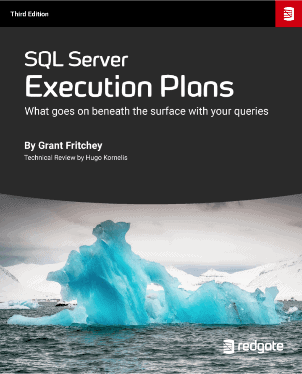
SQL Server Execution Plans eBook, Third Edition, by Grant Fritchey

SQL Server Execution Plans, Third Edition, by Grant Fritchey

Every Database Administrator, developer, report writer, and anyone else who writes T-SQL to access SQL Server data, must understand how to read and interpret execution plans. This book leads you right from the basics of capturing plans, through how to interrupt them in their various forms, graphical or XML, and then how to use the information you find there to diagnose the most common causes of poor query performance.

(3)

You rated this post out of 5. Change rating

2023-08-16 (first published: )

6,045 reads

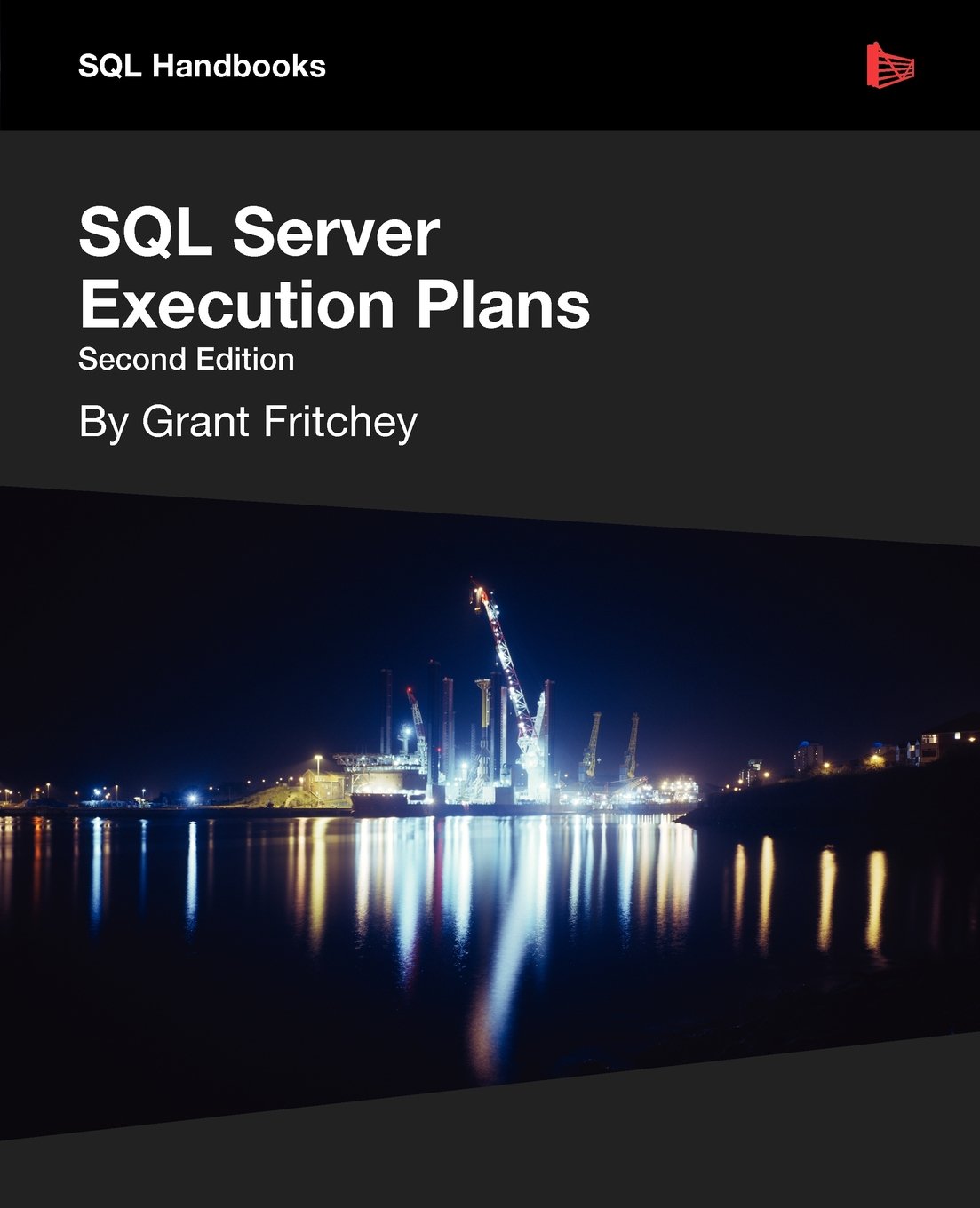
SQL Server Execution Plans Second Edition eBook Download

SQL Server Execution Plans, Second Edition by Grant Fritchey

Every Database Administrator, developer, report writer, and anyone else who writes T-SQL to access SQL Server data, must understand how to read and interpret execution plans. This book leads you right from the basics of capturing plans, through how to interrupt them in their various forms, graphical or XML, and then how to use the information you find there to diagnose the most common causes of poor query performance, and so optimize your SQL queries, and improve your indexing strategy.

You rated this post out of 5. Change rating

2012-11-12

17,087 reads

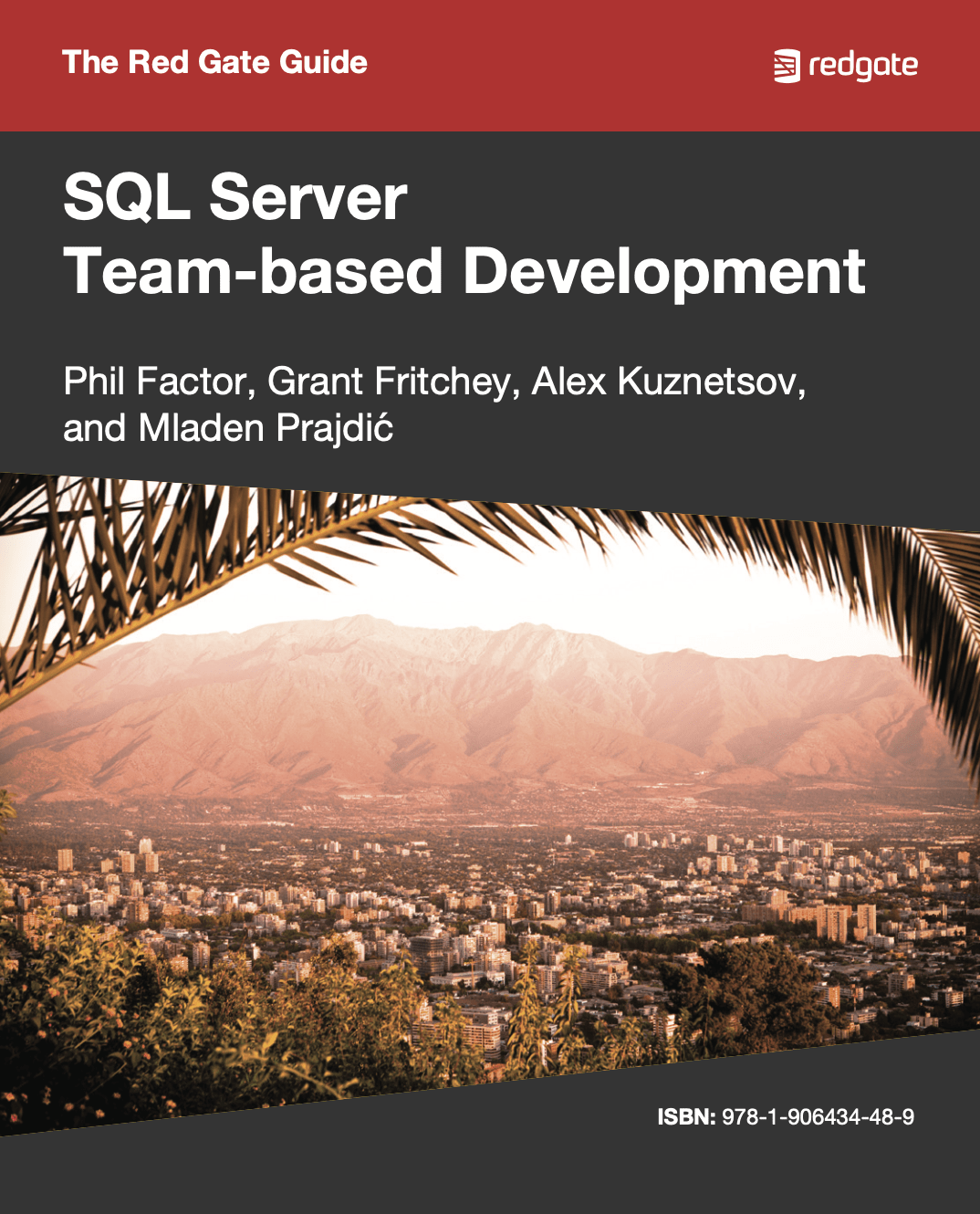
SQL Server Team-Based Development eBook cover

The Red Gate Guide to SQL Server Team-based Development

This book shows how to use of mixture of home-grown scripts, native SQL Server tools,
and tools from the Red Gate SQL Toolbelt, to successfully develop database applications in a team environment,
and make database development as similar as possible to "normal" development.

You rated this post out of 5. Change rating

2010-10-21

4,840 reads

Technical Article

SQL Server Execution Plans

Every day, out in the SQL Server forums, the same questions come up again and again: why is this query running slow? Why isn't my index getting used? In order to arrive at the answer you have to ask the same return question in each case: have you looked at the execution plan? Grant Fritchey provides the only dedicated and detailed book on this essential topic.

2009-02-10

48,118 reads

Blogs

5 Starter Projects for Your AI and Data Engineering Portfolio

By

Reading tutorials is fine. Shipping something is better. If you are trying to break...

The Book of Redgate: Taking Breaks

By

We work hard at Redgate, though with a good work-life balance. One interesting observation...

Database AI Agents: The Read-Only Rule

By

Fourth in a series on Ai and databases. What Read-Only Advisory Actually Means A...

Read the latest Blogs

Forums

Liability for AI Errors

By Steve Jones - SSC Editor

Comments posted to this topic are about the item Liability for AI Errors

Running a Parameter-Sensitive Stored Procedure on a Secondary Replica

By abdalah.mehdoini

Hello , I would like to run a stored procedure on a secondary replica...

Pro SQL Server Internals

By Site Owners

Comments posted to this topic are about the item Pro SQL Server Internals

Visit the forum

Question of the Day

Running SQLCMD II

I run this command to start SQLCMD:

sqlcmd -S localhost -E -c "proceed"
At the prompt, I type this (the 1> and 2> are prompts):
1> select @@version
2> go
What happens?

See possible answers