Jacob Sebastian


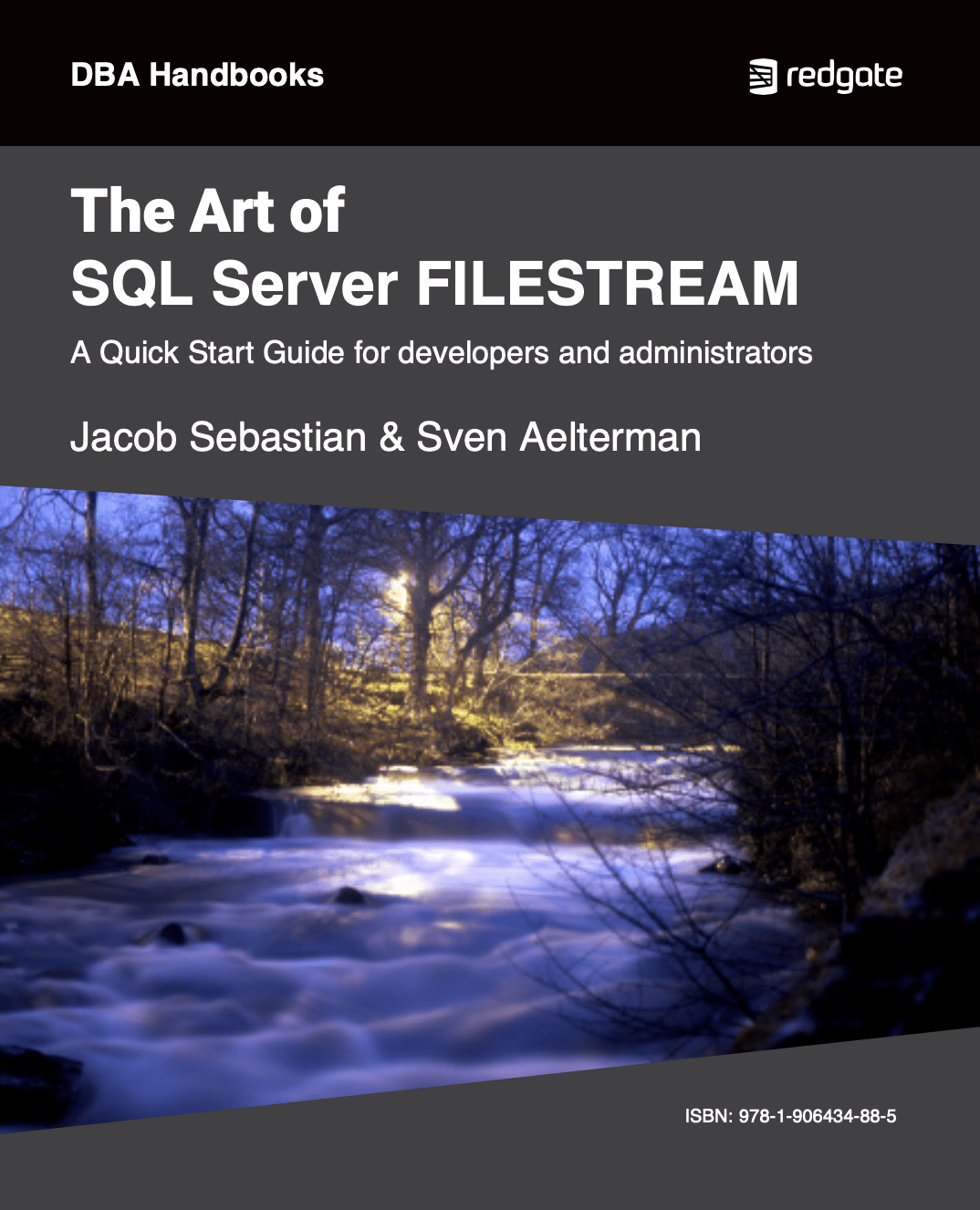
The Art of SQL Server Filesteam eBook cover

The Art of SQL Server FILESTREAM by Jacob Sebastian and Sven Aelterman

FILESTREAM is implemented as an extension to the VARBINARY(MAX) data type and allows large object data to be stored in a special folder on the NTFS file system, while bringing that data under the transactional control of SQL Server. This book describes both the way it works and the implementation, administration and troubleshooting of it.

You rated this post out of 5. Change rating

2012-11-12

594 reads

The Art of XSD eBook Download

SQL Server XML Schemas

When information is exchanged in XML format, there needs to be an agreement between the sender and receiver about the structure and content of the XML document. An XSD (XML Schema Definition Language) Schema can be used to enforce this contract and validate the XML data being exchanged. Jacob Sebastian's book explains all.

You rated this post out of 5. Change rating

2009-02-10

5,329 reads

Blogs

The FinOps Lifecycle: From Budgeting to Reporting

By

Working in DevOps long enough teaches you two universal truths: That’s exactly why I...

Finding and Updating Duplicate IDs: #SQLNewBlogger

By

Finding duplicates was an interview question for me years ago, and I’ve never forgotten...

Optimising Costs: Strategies for Efficient Cloud Resource Management

By

Over time, I’ve realised that one of the hardest parts of cloud management isn’t...

Read the latest Blogs

Forums

Fun with JSON II

By Steve Jones - SSC Editor

Comments posted to this topic are about the item Fun with JSON II

Changing Data Types

By Steve Jones - SSC Editor

Comments posted to this topic are about the item Changing Data Types

Answering Questions On Dropped Columns

By Cláudio Silva

Comments posted to this topic are about the item Answering Questions On Dropped Columns

Visit the forum

Question of the Day

Fun with JSON II

I have some data in a table:

CREATE TABLE #test_data
(
    id INT PRIMARY KEY,
    name VARCHAR(100),
    birth_date DATE
);

-- Step 2: Insert rows  
INSERT INTO #test_data
VALUES
(1, 'Olivia', '2025-01-05'),
(2, 'Emma', '2025-03-02'),
(3, 'Liam', '2025-11-15'),
(4, 'Noah', '2025-12-22');
If I run this query, how many rows are returned?
SELECT t1.[key] AS row,
       t2.*
FROM OPENJSON(
     (
         SELECT t.* FROM #test_data AS t FOR JSON PATH
     )
             ) t1
    CROSS APPLY OPENJSON(t1.value) t2;

See possible answers