

While writing another post I realized my UNION query didn’t work as one might initiall expect, so I decided a short post was worth writing. This is based on a previous post on QUOTENME().
Another post for me that is simple and hopefully serves as an example for people trying to get blogging as #SQLNewBloggers.
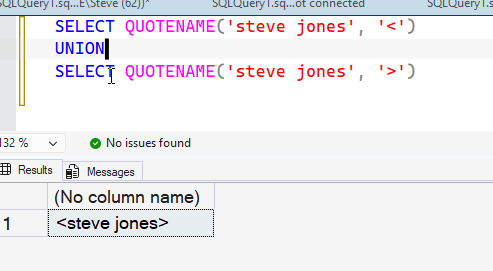
Missing a Row
When I ran this code, I got only a single row. There’s a UNION here, so why? One would expect two rows from these queries.
Let’s change to UNION ALL. Now we see this:
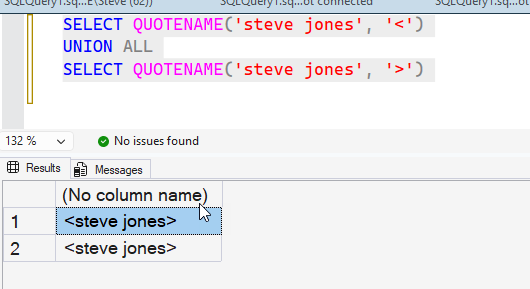
You can likely spot the reason, but it’s because both rows in the result are the same. In this cse, UNION is designed to remove duplicates. In the docs, it explicitly says
- UNION ALL – Includes duplicates
- UNION Excludes duplicates
We can see this in this examples I’ve got this code that gives me two virtual tables of numbers, some of which are duplicate:
WITH myTally(n)
AS
(SELECT n
 FROM (VALUES (1), (2), (3), (4), (5), (6), (7), (8), (9), (10)) a(n)
)
, myTally2(n)
AS
(SELECT n
 FROM (VALUES (1), (20), (3), (40), (5), (60), (7), (08), (9), (100)) b(n)
)
SELECT n
FROM myTally
UNION
SELECT n
 FROM myTally2
When I run the query, with UNION, I see these results, 14 rows:
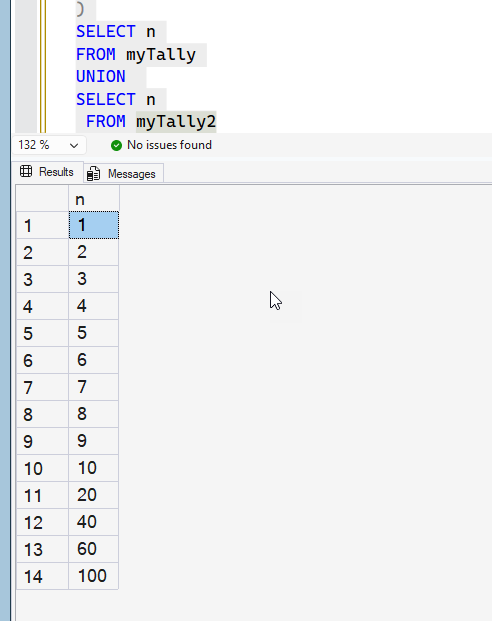
If I change to UNION ALL, 20 results.
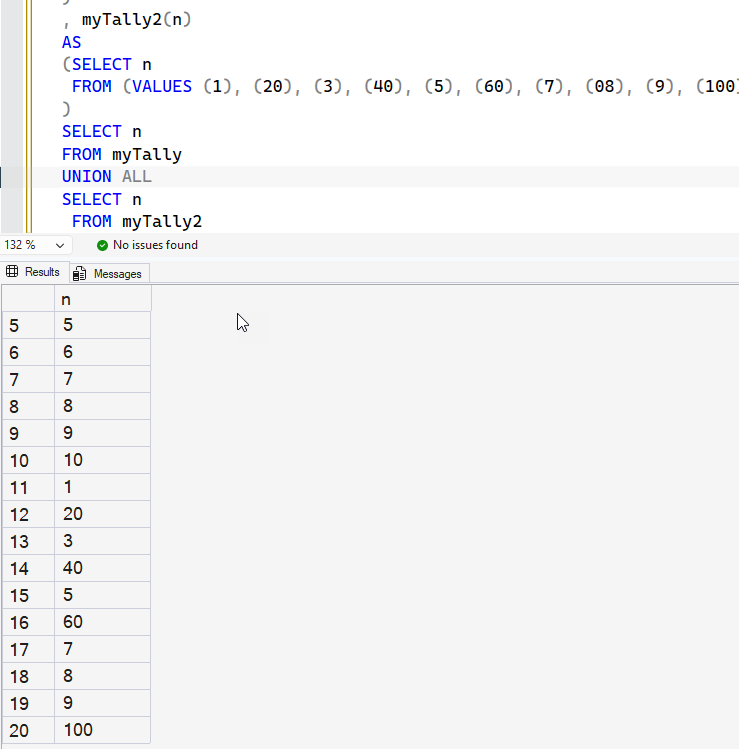
Use UNION when you want unique things. UNION ALL if you need to see ALL The Rows.
SQL New Blogger
This post was about 8 minutes spent after I finished the other post. It is a quick expansion on something I saw in another post, it has a separate focus, and it shows I’ve realized something and built on previous work.
You can showcase these skills.