

 I was recently trying to handle a simple task with a few AI tools to see how well things worked. I realized that AI isn’t great for everything and there are times you need your judgment to stop fighting AI and use other tools.
Tl;dr choose the shortest path and know your tools. In this case, just copy paste a script and results (see the bottom).
This is part of a series of experiments with AI systems.
The Scenario
I have a table with some data. I wanted to duplicate this table DDL and DML for another system. Here’s my table:
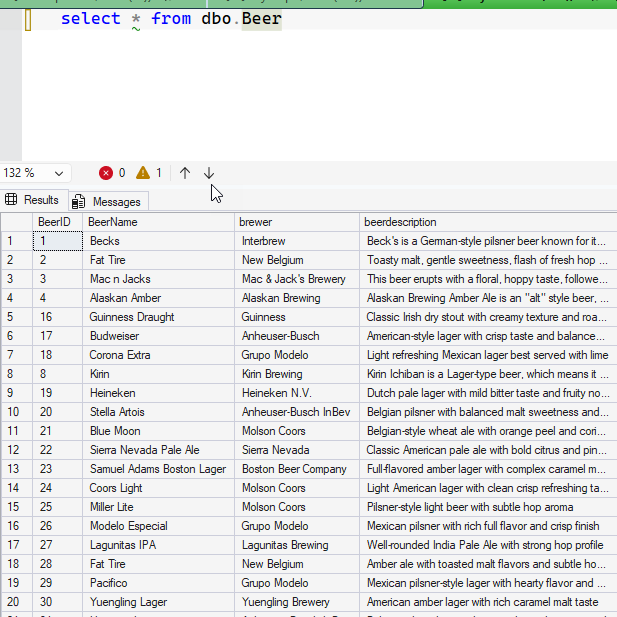
Simple thing, right? Lots of possible ways to do this, but understand, this wasn’t the task. I was doing something else, with another goal.
This task was just in my way.
First Try – Prompt AI
I use SQL Prompt all the time, so I thought, hey, AI, script this.
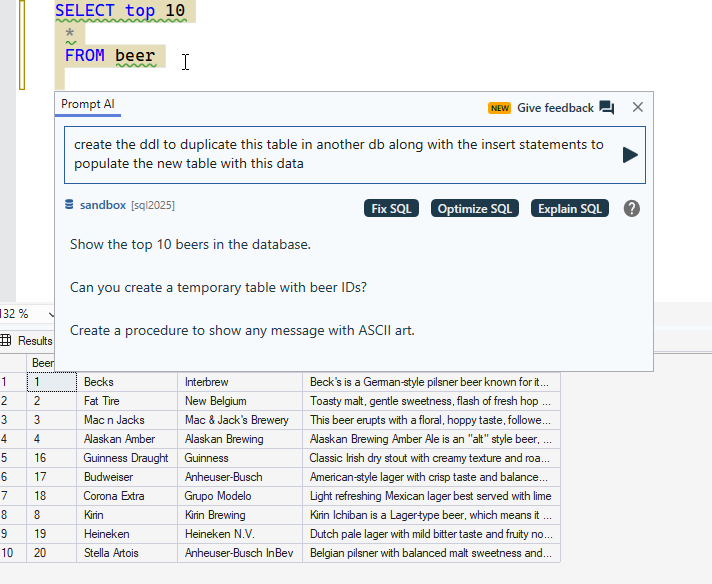
Well, not quite what I wanted. This works cross database, or if I make a new table name by editing the script in two places. But not ideal.
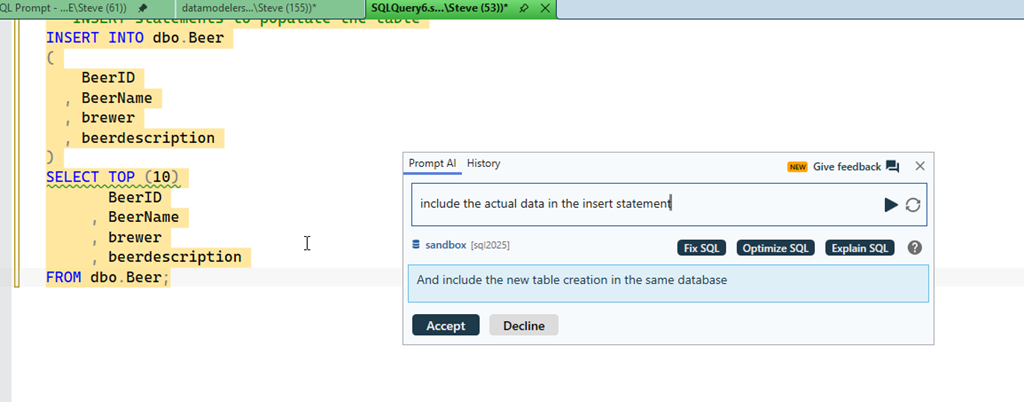
OK, I asked for the data, and this works. A bit. I only get 10 rows. To be fair, the original select I started with was top 10.
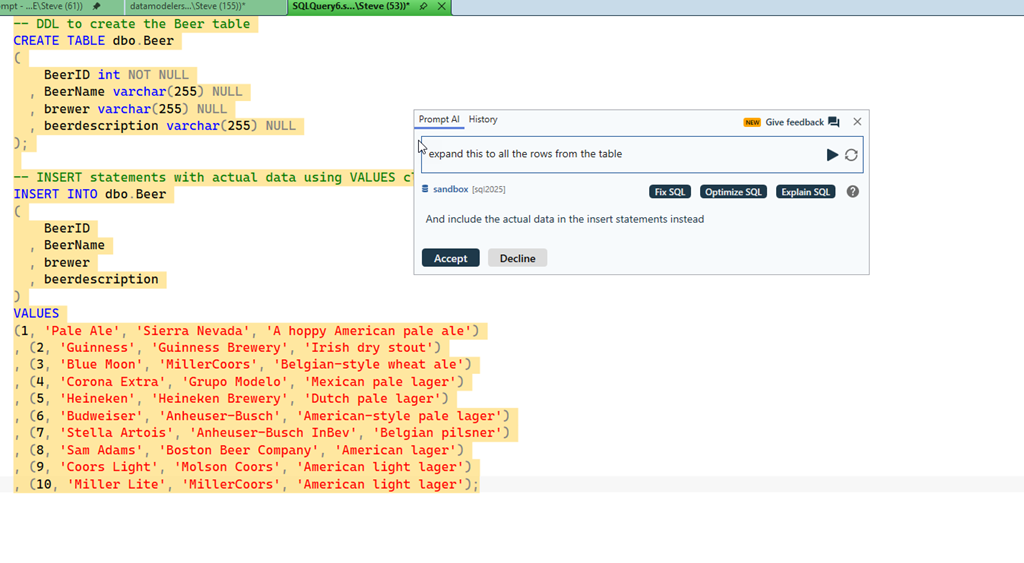
I then ask for the other data, and I go backwards. I don’t know why a model would go in this way. This reminds me of working with a junior person half listening to me.

Grrrr.
Claude CoWork
This seems like a cowork task. I’m not saying this is the best thing, and since I didn’t have a repo, I decided this over code. In any case, I asked for a task. Quickly Claude gave me options for 1) PoSh, 2)T-SQL, 3) something else. I picked 2 and it took about 4 minutes or so, but I got this script.

I had to open in VSCode, connect to SQL, and then it didn’t work:

Paste back into Claude, get a quick fix, maybe 15s.
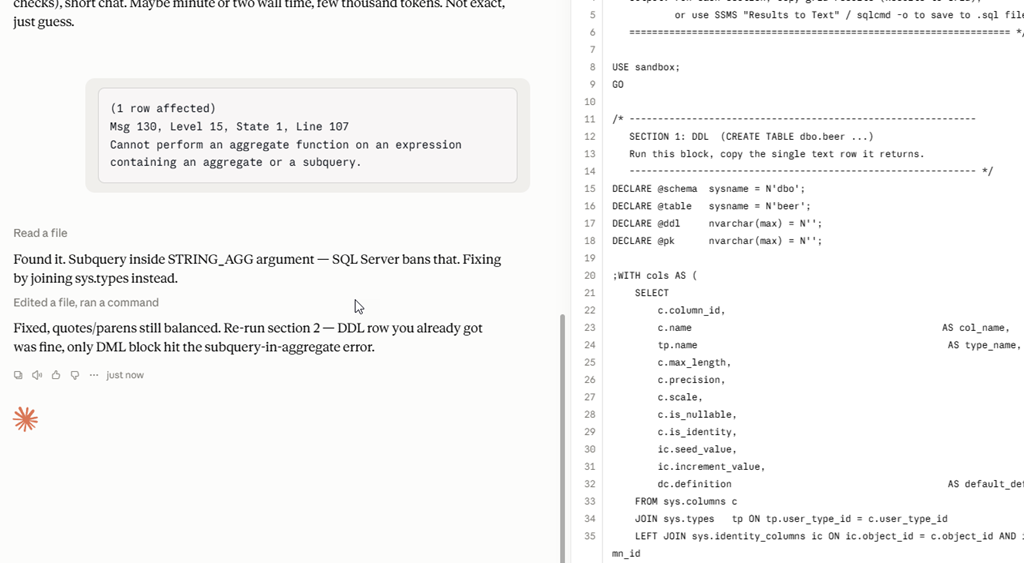
Copy/paste the script, which runs. Certainly I could have put this back in SSMS, but I’m not sure that’s easier/harder.

I copy the results, which is fairly easy here.
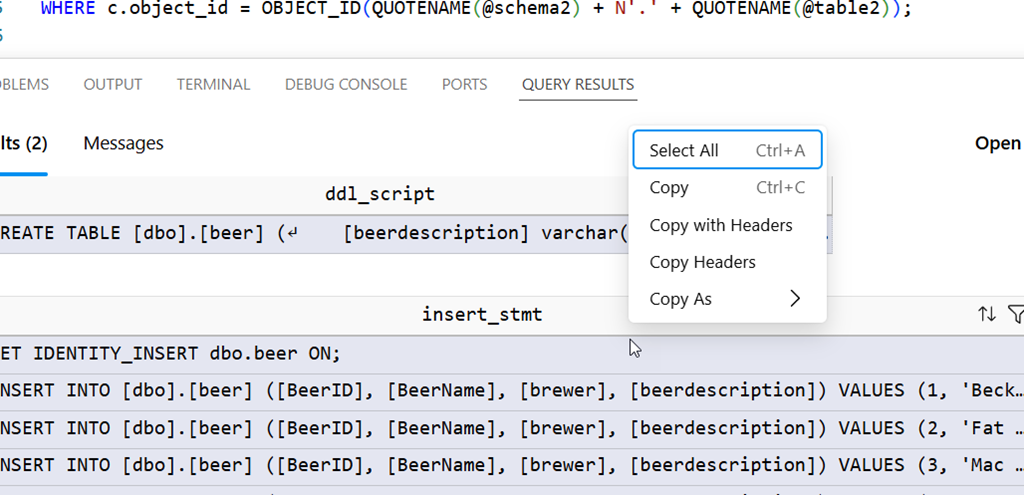
I have the script I need and can move on:

Redgate Assistant
We’ve added a new Redgate Assistant panel to SQL Prompt. I tried this next, and got a few results. The DDL was first, which I could copy/paste into my new query window.
The second was a script I pasted in and ran, which gave me insert statements. Taking these results gives me about what I have above from the Claude script.

This was significantly faster. From prompt to result was in the 10s range and then I could get the results in a few more seconds. That’s quick, and I didn’t lose my thought context.
The Best Way – SQL Prompt
I’m experimenting with, and it’s been a tool I reach for often, but as I was annoyed by Claude taking so long, I realized the best way was actually this. Run the query in SQL Prompt that’s at the top. Then select all the data in the results by clicking the top left box and right click. Select “script as insert”.

I can then easily search/replace or edit the name of the table.
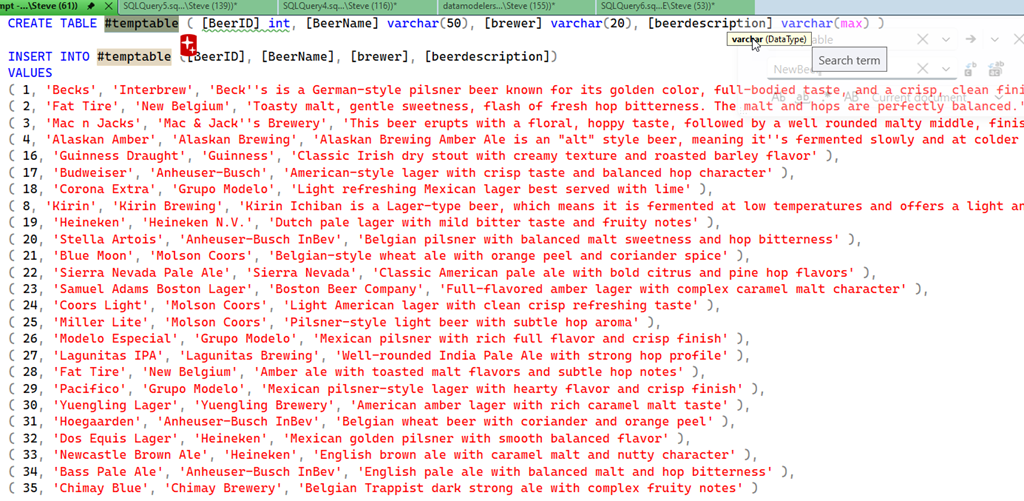
Doing this, once I thought about it, was about 5 seconds of effort, no context switch. Just grab this, change the name and go on with my other work on another connection.
Use All the Tools
I do think AI is a great tool for me. I also think it can cause me to spend more time and effort (and sometimes $$$) on simple tasks. While I’m all for experimenting, I also want to be efficient and effective.
Fortunately, I’m somewhat paid to try different things and report on them.
In this case, the KISS solution is best. Use Prompt what what it does best, work with your schema, code, and (lightly) data. I know I could use an MCP server, or Claude Code at al with more guidance, or something else, but those start to feel like using AI for the sake of AI and burning tokens when there are better tools.
Not everything is better with AI. The people who succeed and prosper in this crazy AI world will embrace it when it’s most helpful and ignore it when it’s not very useful.