

This happened to me recently after being busy with non-data modeling tasks for a few weeks. I went to add a relationship and was confused about the behavior. Read on to see what happened and what I did.
This is part of a series on Redgate Data Modeler.
Adding a Relationship
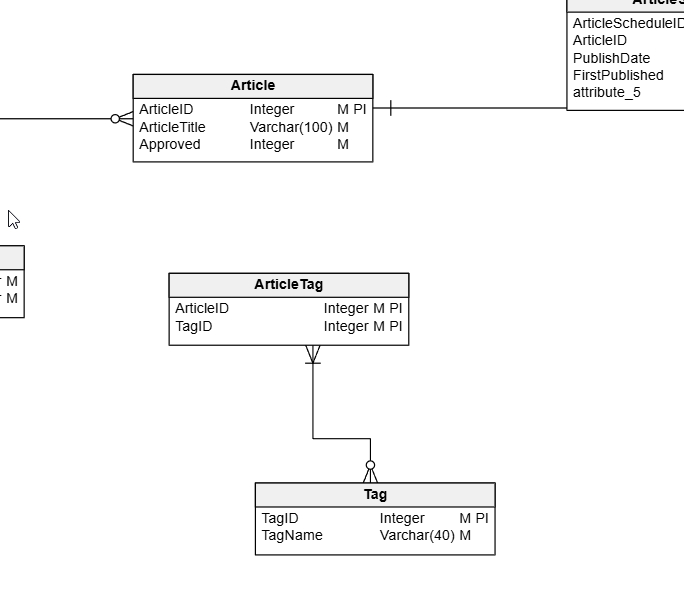
I opened one of my models and saw something like this. Note that the Article and ArticleTag entities aren’t related.
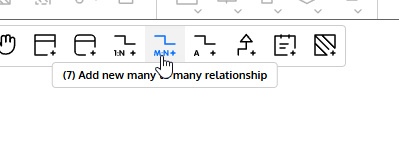
I decided to add a relationship. This is a Many to Many, so I clicked on that icon in the toolbar.
I then clicked on the Article entity and saw this. It’s a self-referencing relationship.
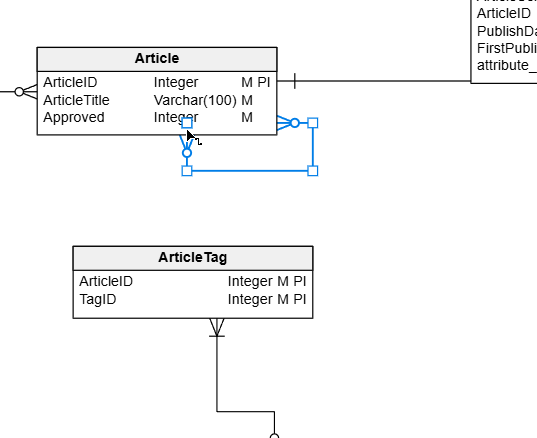
What??? I assumed I’d click one entity, then the other. I tried grabbing various elements of the relationship to move them, but nothing worked. I could move them around within the relationship, but not to another entity.
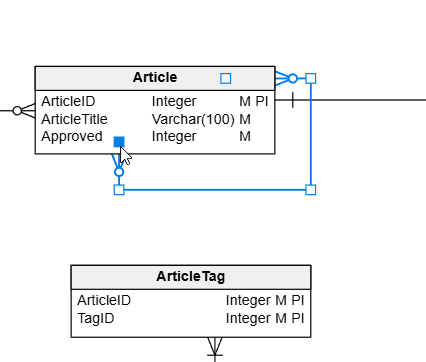
I deleted and added this a few times before I decided to check the docs. On this page for relationships, I found my mistake. There is this quote: “If you’ve already selected the tool, simply drag from one entity to another.”
Aha.
If I click the toolbar relationship icon, and then drag from one to the other, it works.
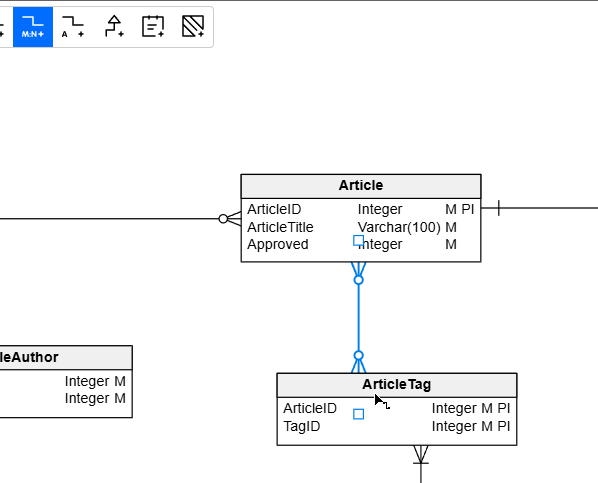
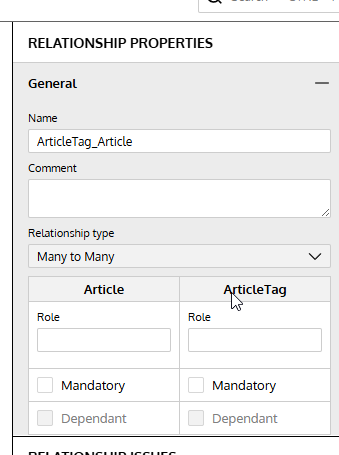
I suspect this is an artifact of the web controls, but it was weird for me to not be able to alter the relationship targets. Even in the right properties pane, I can’t change this.
Summary
A simple thing, but not quite as intuitive as I’d like. However, one needs to learn to use tools, which means reading docs or using Claude/ChatGPT and
This is a reminder to drag relationships in your Redgate Data Modeler models and don’t get away from modeling for weeks, like I did.
Give Redgate Data Modeler a try and see if it helps you and your team get a handle on your database.
Video Walkthrough
Here’s a short video of my working with Redgate Data Modeler and changing cardinality.