

I have a few Azure subscriptions, which are fairly small and not used that often. Mainly I do some SQL Server or Azure SQL experimentation. Sometimes I might create another resource, but I try to not waste resources and disable them quickly (or drop them) when I’m done.
However.
I hadn’t done much in the last couple of months on Azure. For some reason, I decided to check my bill. What I found was that there were charges for $35-ish/month. This is within my free credit limit as an MVP, but that seemed high. I have a few serverless dbs and some storage, but I was expecting more of a $15 charge.
I decided to investigate. I started with the Billing section, where I saw that Microsoft Defender was swamping the charges in my bill. I don’t remember enabling this, and typically skip this stuff since I work with test data and nothing sensitive.
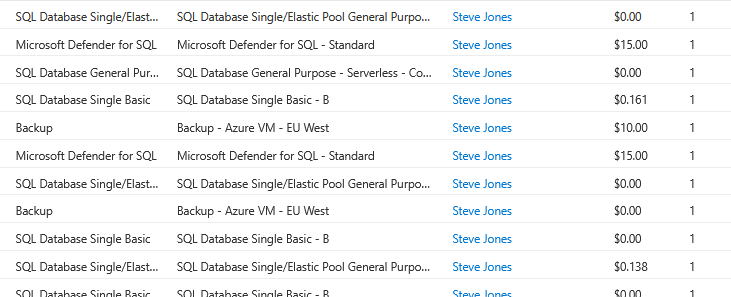
As you can see, the Defender items are charged, but not linked to a resource?
WTF? How do I debug this? I have a small subscription, maybe a few dozen resources. Imagine you had a larger estate? I decided to ask Copilot. I get this result:
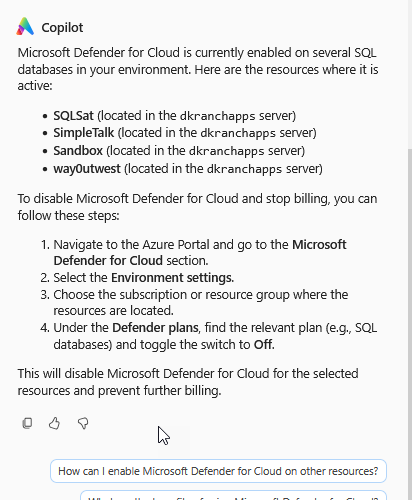
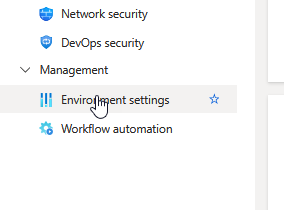
OK, environment settings, let’s check the items under here.
Now, where is this enabled? I checked the Defender properties for the subscription.
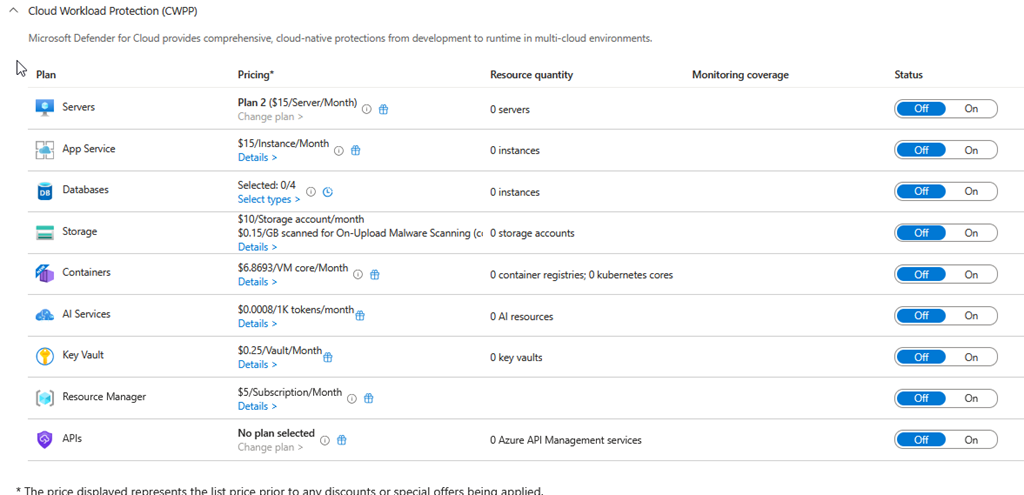
I went into the various Azure SQL databases, clicked the Security section for Defender and I keep seeing nothing enabled.
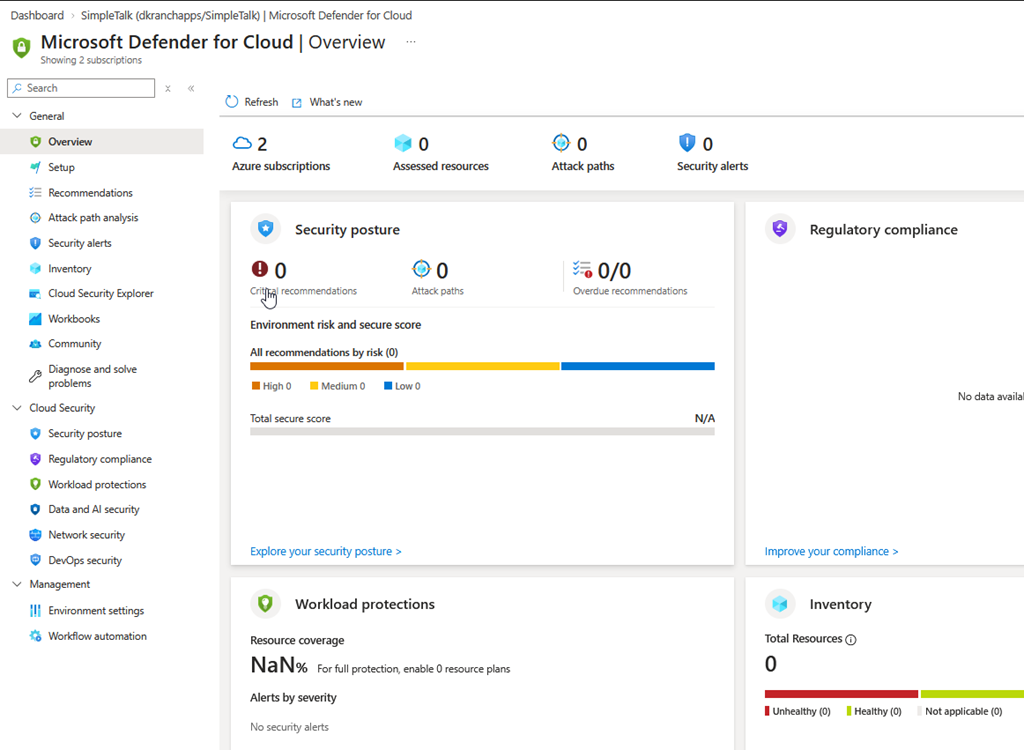
I’m ready to open a case, and waste the days and then multiple contacts trying to work through this with some customer service person in another time zone, who reads docs.
Digging further, I keep clicking around, Copilot being of no use here. I eventually start clicking in every resource, and I get to the logical server for my Azure SQL Databases. Here’s where I see it, at the server-level.
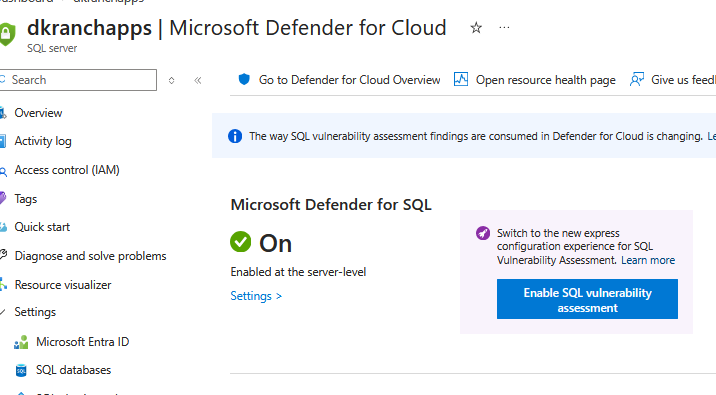
I don’t think I turned this on, but perhaps I tested something.
In any case, I click settings and then disable Defender.
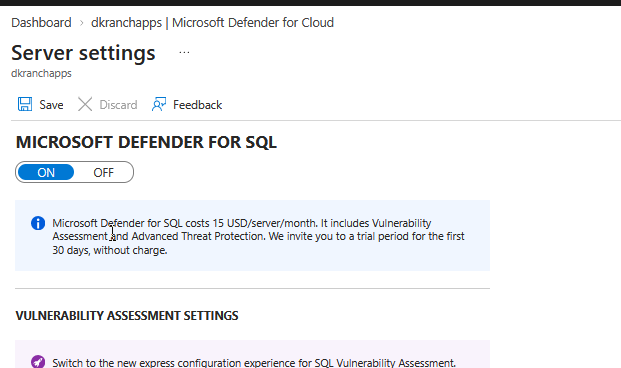
I’m less concerned that this got turned on, because I might have done that. I would love some auditing of actions to determine this, as I could see someone else in my team (if my team were bigger than me and the 3 dogs) trying this out. I’d want to know who to talk to about changing settings.
More, I’m annoyed that the bill doesn’t link to resource settings, or that this being enabled at the logical server level isn’t reflected and noted at the database level.
This was a 45 minute investigation that should have taken 3, so a word of warning to you Azure users. Be careful what you enable, and when you have billing issues, check the resource group and logical servers, in addition to your databases.