

We keep adding stuff to Redgate Monitor, and it’s easy to miss some of the improvements. Here’s one that’s been around quite awhile, but while discussing the product with a customer who uses Redgate Monitor, I realized they weren’t aware of this.
This is part of a series of posts on Redgate Monitor. Click to see the other posts.
The Blue Blob
I was looking at a set of queries on the SSC servers with an SE and a customer. The SE pointed out that we surface some code issues on this page. There’s a blue lightbulb next to one of the queries.
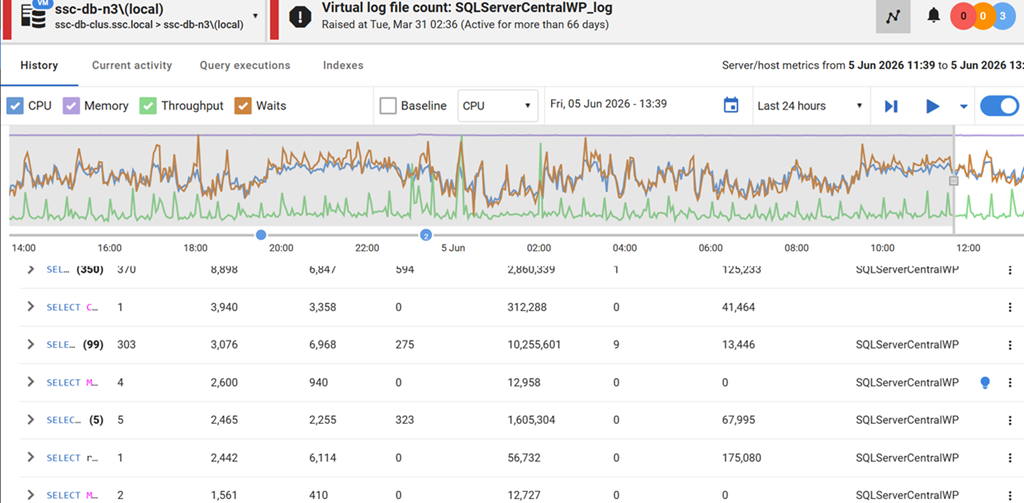
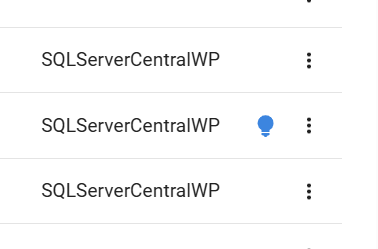
I’ve zoomed in, but if you go to monitor.red-gate.com, you’ll find this somewhere in the list. This is to the right, where the database name is listed.
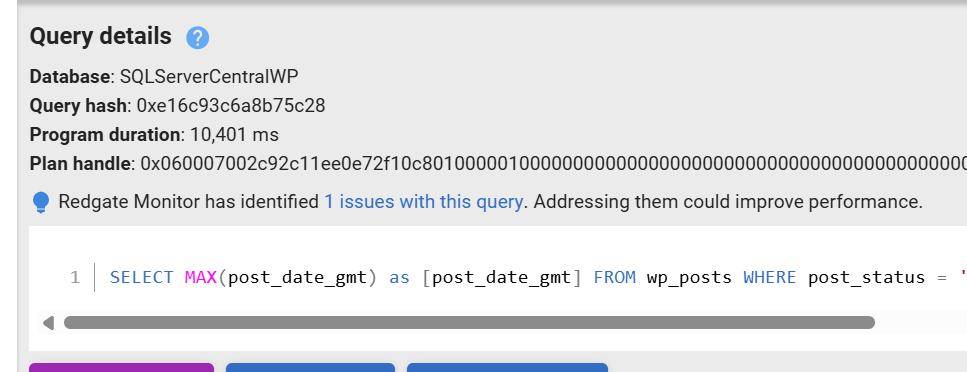
If we expand this query from the left side (the arrow), we see details, but below the plan handle, we’ve noted that Redgate Monitor has run code analysis and identified an issue. In this case, there’s one issue, but I’ve seen 3 or 4 on some client systems.
 We can click the blue text above (1 issues with this query) and this opens a dialog where I can see the query and the code analysis issue identified. In this case, we don’t have a schema name in here, which is just poor practice and a potential place you could have issues, if you add schemas and users might have a different default.
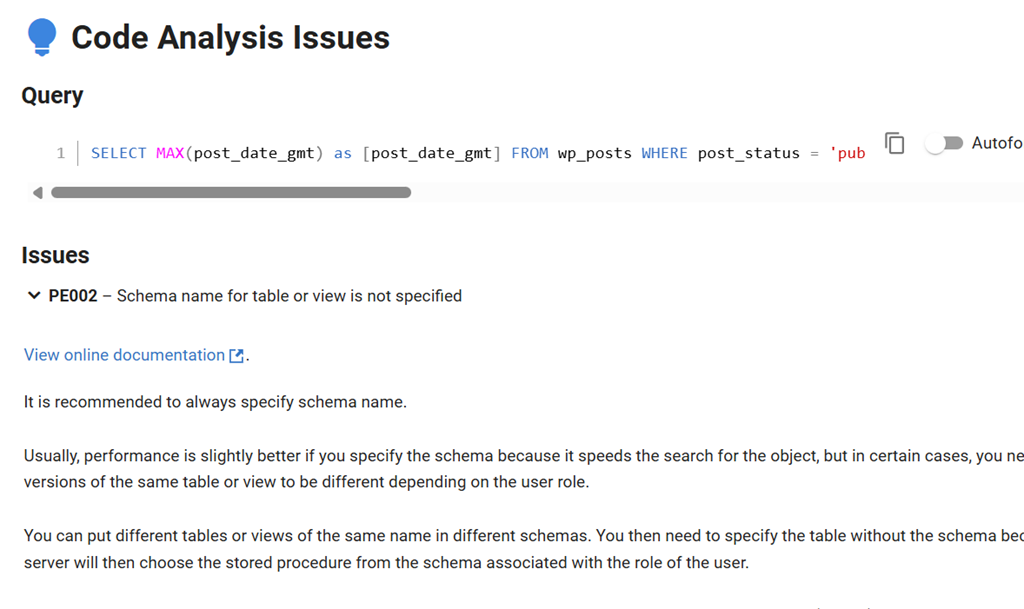
One cool thing, is that if I click the slide in the upper right, I get a better format for the code.
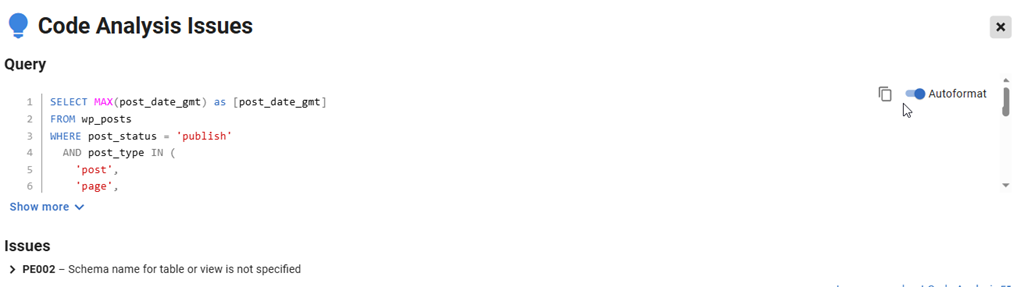
Our code analysis rules are documented on our side, and there is a link at the bottom of the dialog that popped up. It’s to the lower right, and I cropped it out to get a slightly better image. If does to the Code Analysis pages at documentation.red-gate.com. Here you can read about our code smells and rules, which are also checked by SQL Prompt.
Summary
This is a small thing, but it helps with Operations people who might want to suggest ways that code could be improved, whether to clean up the codebase or for better performance. Once you start to establish guidance, and provide useful solutions, you can collaborate and other changes are possible.
If you use Redgate Monitor, look for these items and see if you can encourage some refactoring from developers.
Redgate Monitor is a world-class monitoring solution for your database estate. Download a trial today and see how it can help you manage your estate more efficiently.