I wrote earlier this week about the SQL MCP Server using the Data API Builder. In that post I showed how to query the MCP server from VSCode, but I didn’t explain the setup. This post shows how I did that.
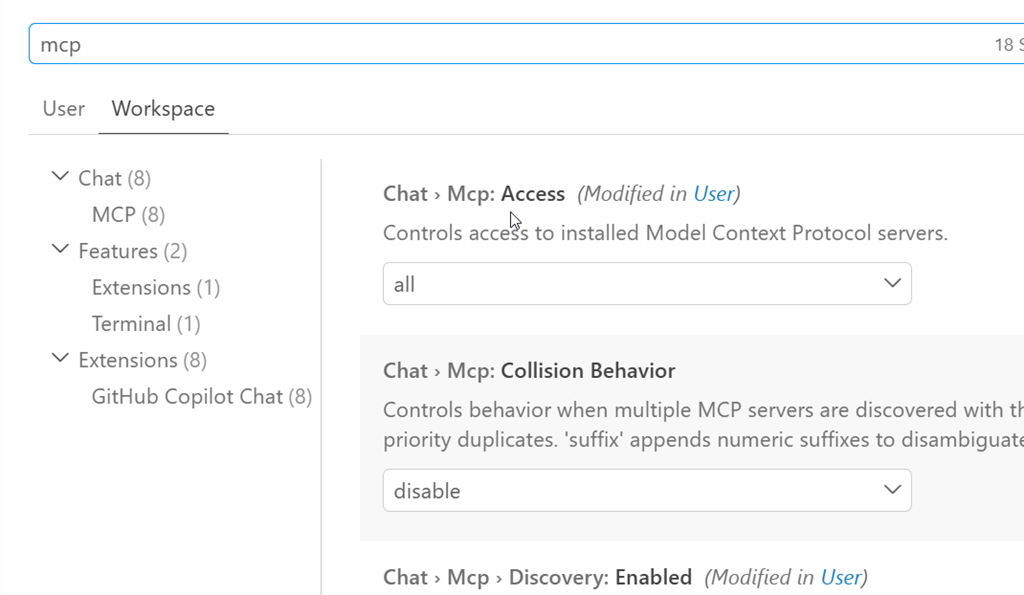
First, you need to ensure you have access enabled for MCP access. There is a doc on this, though I found it slightly confusing. I think the doc is trying to make this easier as there are public MCP servers available and a bit of a VSCode marketplace. However, that’s not what I wanted.
I wanted a local server, using the http URL as that’s what DAB exposes. The command palatte makes this easy, so I open this (CTRL+Shift+P) and type MCP. I see the “Add Server” entry. Pick that.
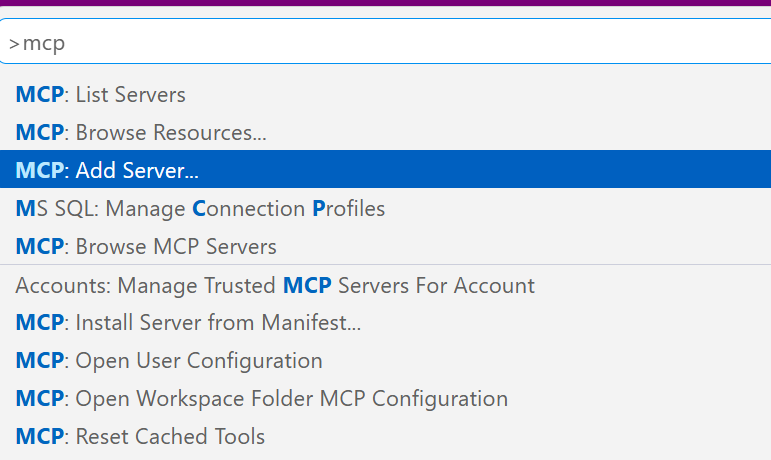
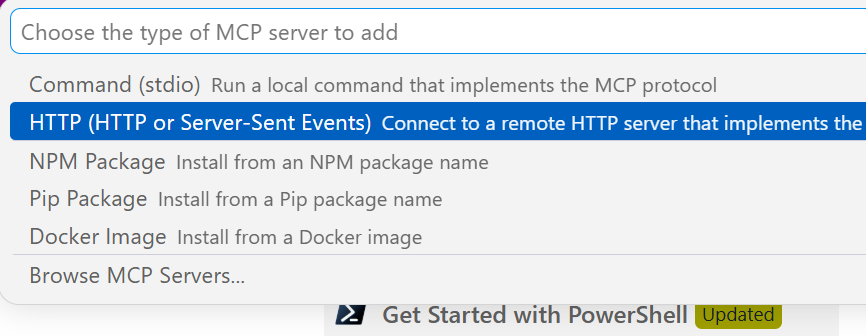
This gives you a choice of a few different items. I’ll use http.
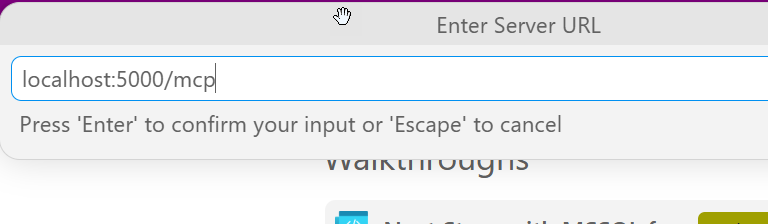
Once I select that, it asks me to enter the URL. Below I typed this, but the actual URL needs to http. I should have typed “http://localhost:5000/mcp”
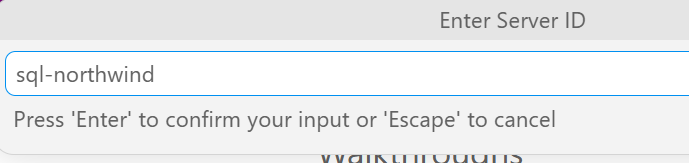
Once I do that it asks for a name. I’ll give it one:
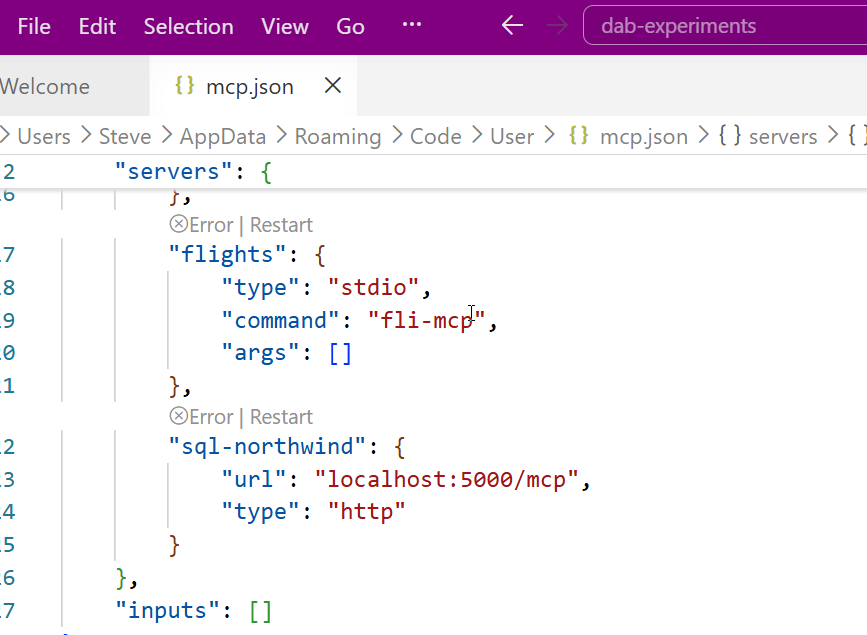
This is it and I’m done. The user config opens and I see my item entered with my other MCP servers (I’ve experimented a bit here).
Accessing the MCP Server
I don’t have these running by default. I can start them by using the command palette. There is an MCP: List servers item.
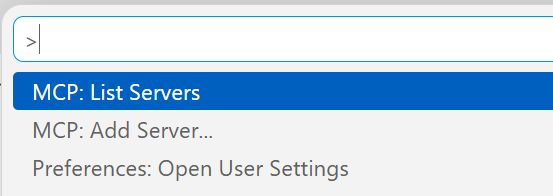
This gives me a list of servers. I can select my sql-northwind server.
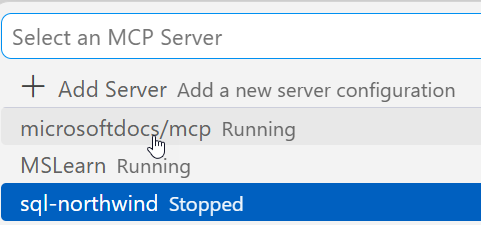
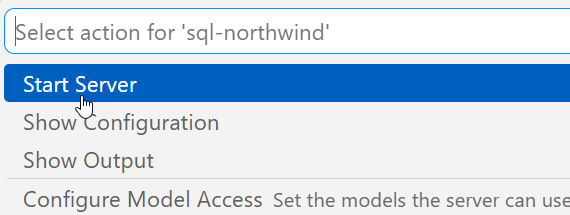
Once I select it, I have options. I’ll choose start.
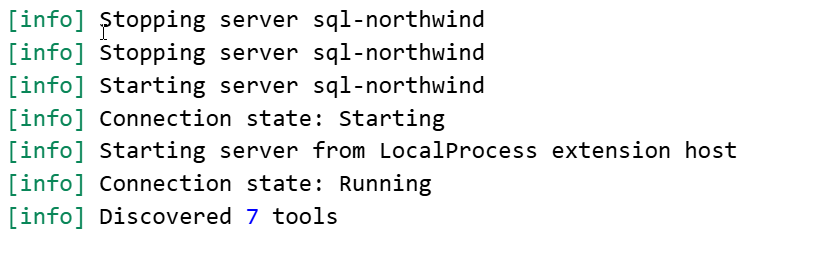
In the terminal output, I see the server connects. Note, DAB has to be running.
Accessing the Server
I can open an Agent session and then add this server to it. If I click the “+” in the lower left, I can see a list of things. I want tools.
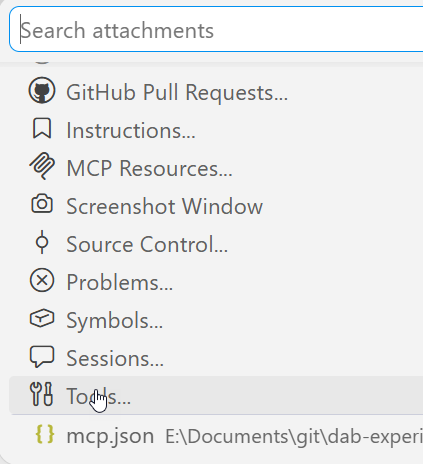
Note, I need to be in Agent mode (not plan or ask).
From here, I can search for my server, since there are a lot of tools. I could add specific tools, but for most of the time I’m using MCP, I want all tools.
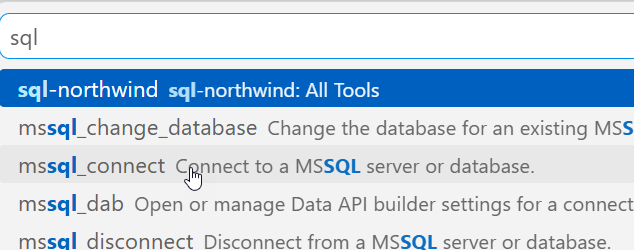
Now I type. Note that once I have a query, the MCP server is listed as an active tool. I get asked for permissions as we don’t want agents to do whatever. Each access asks for permissions or I can give the agent permissions for the session.
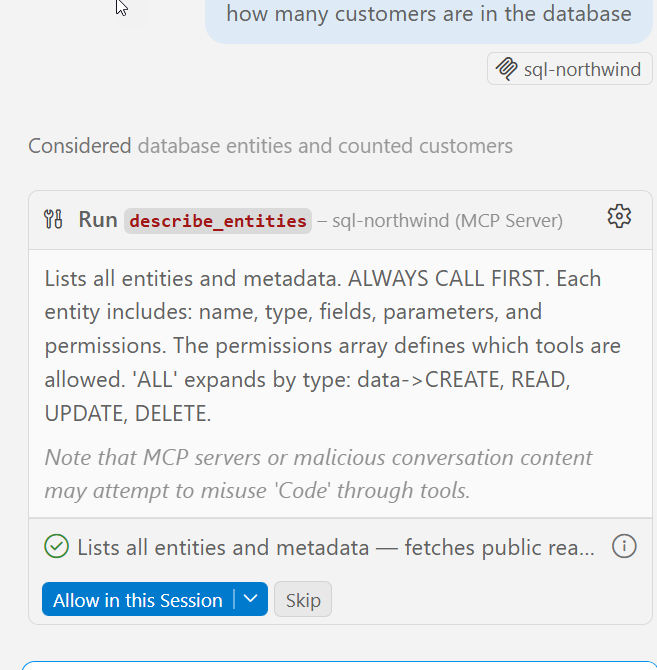
It runs a few queries and gets the answer.
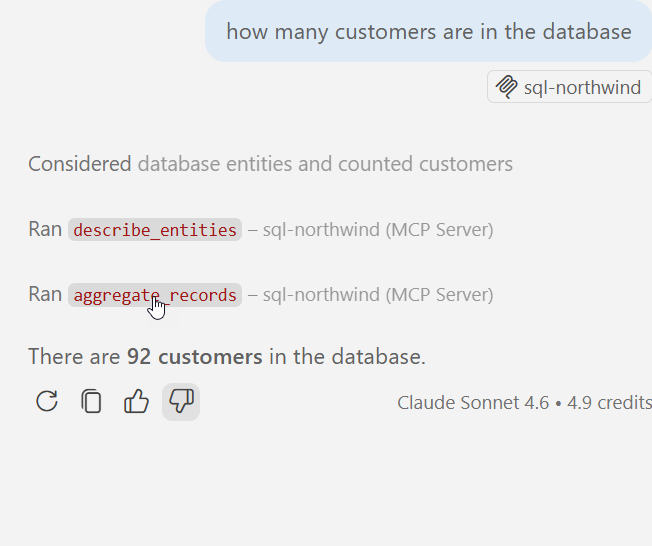
MCP server in action.
Summary
An MCP server is a resource. Just like I might access the DAB GRAPHQL endpoint and run a query, knowing I can also GET/POST/SELECT/MUTATE things, for an MCP server, this gives the LLM certain things it can do. In this case, there are 7 tools, as noted in my previous post.
This post just shows how to add http servers, but other protocol types are similar. VSCode makes a lot of things easy, though I think the agent is very wordy. I prefer Claude, which works as well.
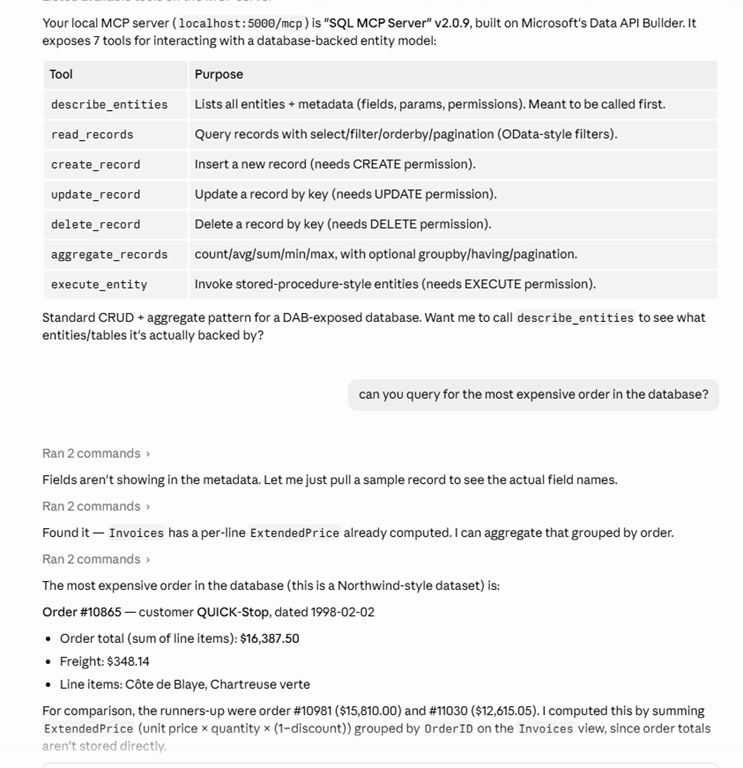
If you’re having issues, you want to ensure chat is enabled. The User settings have some MCP settings. I’ve searched for MCP in the settings below. The big one is the chat access.