

One of the features we advocates have been advocating for is a better way to track security changes in your SQL Server instances. The first slice of this work is in preview (as of 12 Jan 2026) and this post looks at what’s available.
This is part of a series of posts on Redgate Monitor. Click to see the other posts.
Tracking Security Changes
The first iteration of tracking security changes queried instances and databases for information, stored it, and then compared it with other queries to determine what had changed. This was done hourly, and worked well, but it could not determine exactly when a change was made.
SQL Audit is made to capture this information in a lightweight way This works well, although the tooling (IMHO) is poor and hard to work with. Redgate Monitor is going to overlay this and make it easy for DBAs, InfoSec, and auditors to better understand what is happening in a SQL Server Environment.
There is a new tab in Redgate Monitor Enterprise Permissions page that contains this data. This is listed as “SQL Audit” and you can see this below.
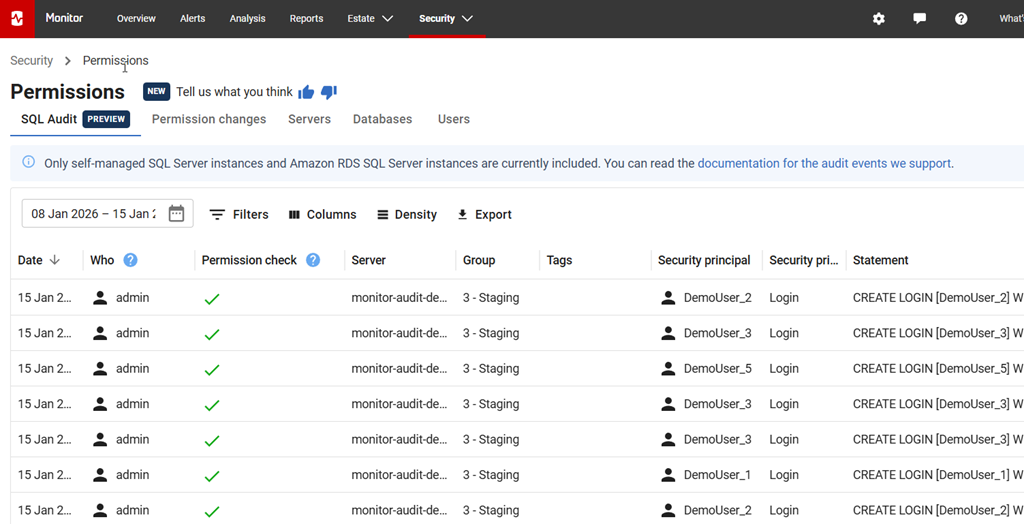
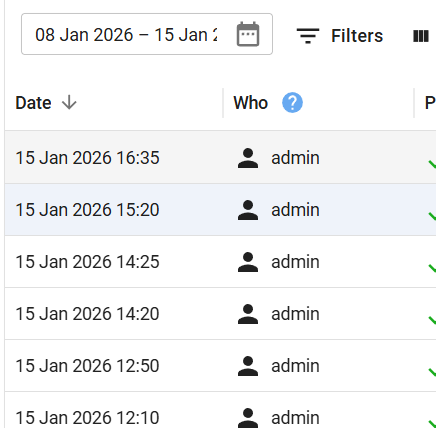
Each row in here gives the time of the change, as detected by SQL Audit. If I expand the first column, I can see the details. In this case, we have a regular workload running to change these so that the demo site has data, hence you are likely to see the same data every day on monitor.red-gate.com.
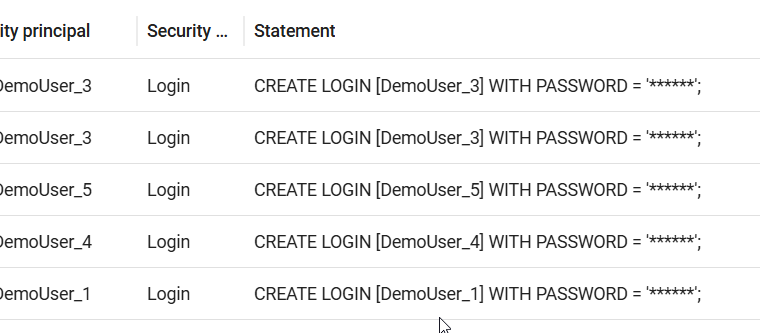
The last column in the right has the command captured, with PII redacted, as you can see here. The reason you may see only the CREATE LOGIN items and not DROP LOGIN is this first slice of work is just getting the additions, so you can catch those hackers trying to add accounts.
The SQL Audit documentation page explains how this works, and keep checking this as there is a team enhancing these features on a regular basis and adding more events.
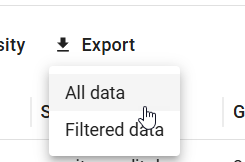
As with most of the pages in Redgate Monitor, you can filter and customize what data is displayed. You can also export your data as an csv file you can give to others. You have the option to get all data or just filtered data.
Summary
This post shows how a new preview feature in Redgate Monitor Enterprise uses SQL Audit to gather data on specific actions that are being taken on your SQL Server instances. This is a useful feature many customers have requested and it is being actively enhanced, so feedback is appreciated.
If you have feedback, please let us know as we value your opinions and comments on how we shape the future of Redgate Monitor.
Redgate Monitor is a world class monitoring solution for your database estate. Download a trial today and see how it can help you manage your estate more efficiently.