

I was looking back at my year and decided to see if SQL Prompt could help me with some analysis. I was pleasantly surprised by how this went. This post looks at my experience using this to help me write a few queries.
This is part of a series of experiments with AI systems.
New York City
This year was a big one for me and New York City. By my count, I went there five times. I wanted to see if that was right.
I started by loading up a bunch of travel data I keep into a database. I do this to keep an eye on where/when I’m going places, so that I have a few of how busy I’ll be. In this case, I loaded data into a table. Here’s a short sample of data.
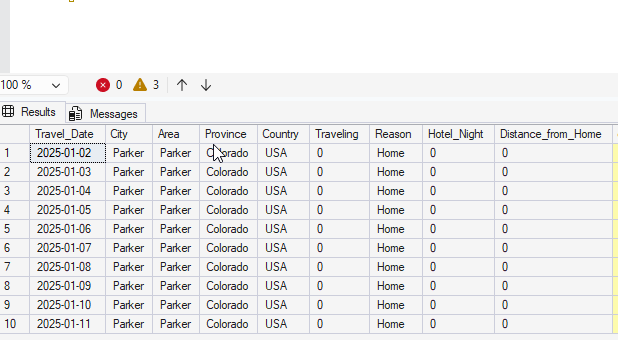
I started by asking Prompt AI to write me a query. Here’s the prompt:
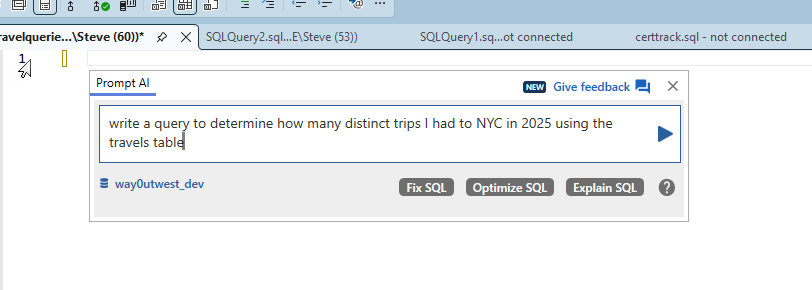
Simple enough. I could have written what it gave me, so I asked for more. Since I’m not tracking trips, but where I am on days, I needed something better. My prompt is what I might express to someone else, non-continuous trips.
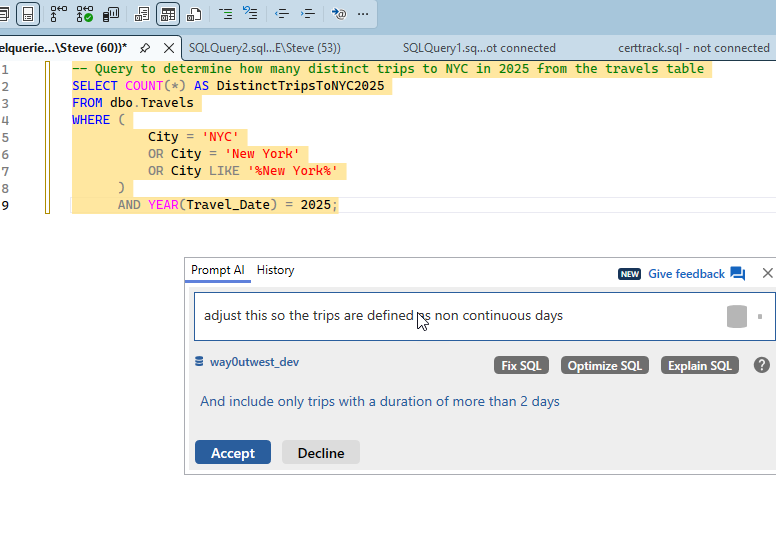
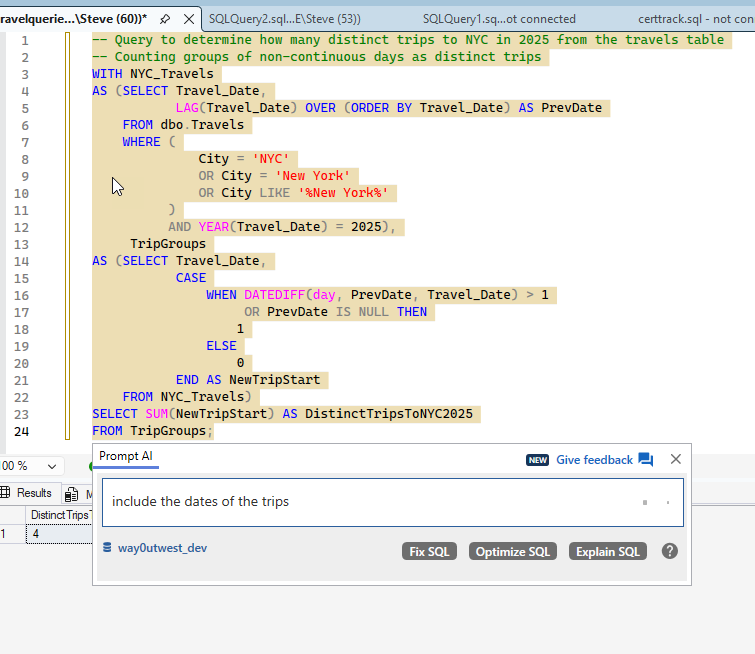
I got a 4 back from more complex code, which is looking for entries with the city being NYC or a variant. It then adds a LAG(), which is what I was thinking before I decided to let Prompt do this. Notice above I was already asking for dates.
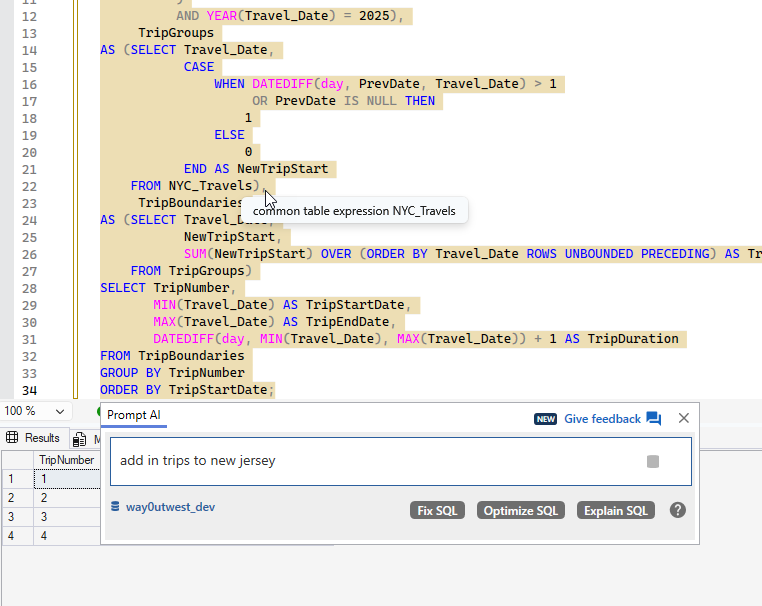
I got my dates, but still 4 trips. I know I flew to the NYC area more times. In looking at the dates, I realized that one of the trips, Mar 31-Apr 2, was only to Jersey City. So I had asked for that above.
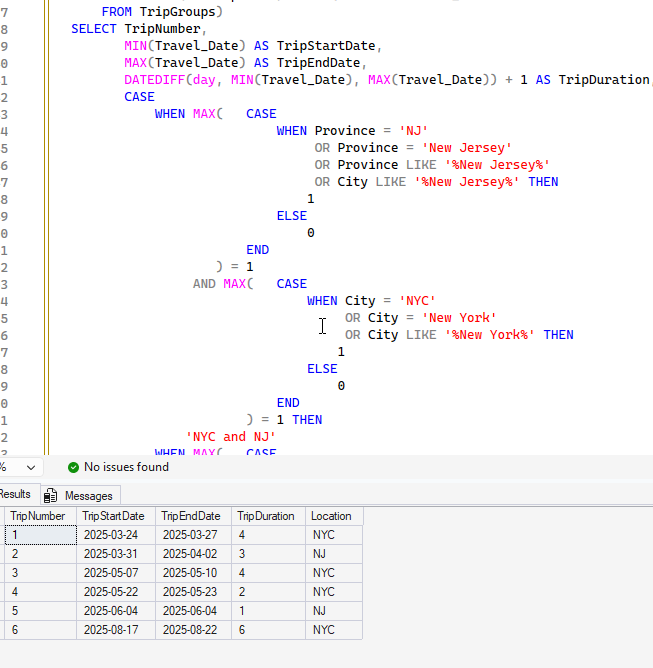
You can see more more complex code, which adds in New Jersey. The results were interesting. This has 6 trips, because on one another trip, I went to New Jersey for a day. I had forgotten that one.
Checking Countries
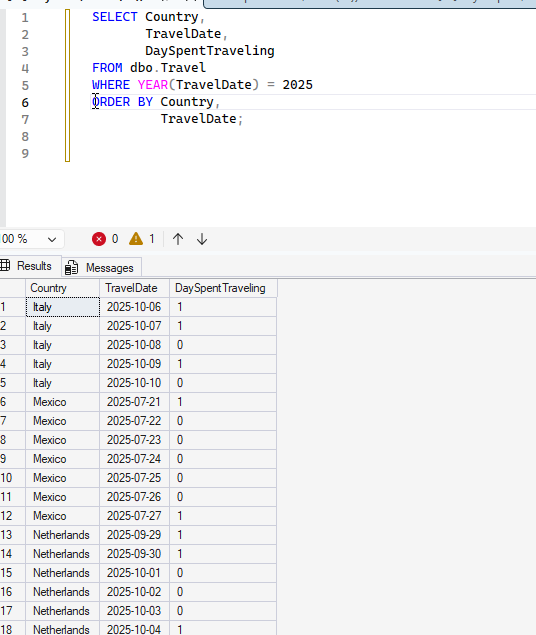
I wanted to do some country analysis. I knew there was a bunch of country data from 2025 in there, so I wrote a simple query. That gets me some data, but it’s a bit of a mess. I really want to know when I visited countries.
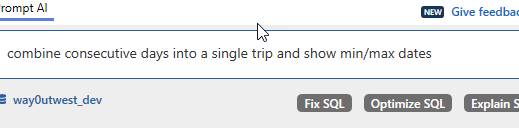
I used PromptAI with a simple request.
I got some results back, which were good, but included the USA. I then asked to remove this and you see the result.

This was a good query, overall, so I clicked the “Optimize SQL” button. I got these items added as comments.
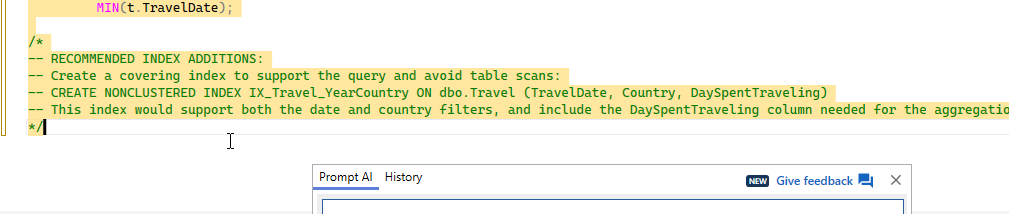
There isn’t a lot to do here, but I created the index. The “optimize” had also added a FORCESEEK, which I didn’t realize at first, so I removed it.
Eventually I added back the USA, partially as this improves performance, but also, with the results, I got a good look at travel patterns. In this case, I can see when I’m in the USA and when I’m not. I liked that I had asked for the trip duration, but the GenAI also added days traveling on the trips, which was fascinating.
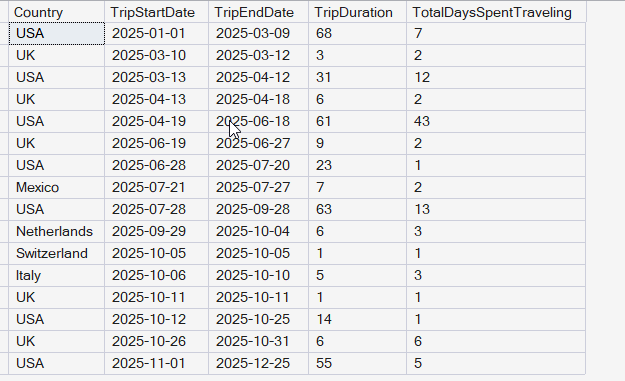
The final query is here:
;WITH TravelCTE
AS (SELECT Country,
            TravelDate,
            DaySpentTraveling,
            ROW_NUMBER() OVER (PARTITION BY Country ORDER BY TravelDate) AS RowNum
     FROM dbo.Travel WITH (INDEX = IX_Travel_YearCountry) -- Use existing index to improve performance
     WHERE TravelDate >= '20250101' -- Using efficient date literal format
)
SELECT t.Country,
        t.TripStartDate,
        t.TripEndDate,
        t.TripDuration,
        t.TotalDaysSpentTraveling
FROM
(
     SELECT Country,
            MIN(TravelDate) AS TripStartDate,
            MAX(TravelDate) AS TripEndDate,
            DATEDIFF(DAY, MIN(TravelDate), MAX(TravelDate)) + 1 AS TripDuration,
            SUM(DaySpentTraveling) AS TotalDaysSpentTraveling,
            DATEADD(DAY, -RowNum, TravelDate) AS GroupingKey
     FROM TravelCTE
     GROUP BY Country,
              DATEADD(DAY, -RowNum, TravelDate)
) AS t
ORDER BY t.TripStartDate;
Summary
This was an interesting experiment in having an AI help me do some data analysis. I could have written these queries, but it would definitely have taken me as long as it took to ask the AI and write this post to do so. I’d be messing with data, double checking myself, and trying to decide what I wanted.
I also found it interesting to have the AI write the code and I could think more about the data being returned. I found a few data anomalies that I corrected along the way.
Prompt AI is proving useful, though when I was going back and forth a lot, I got this message.
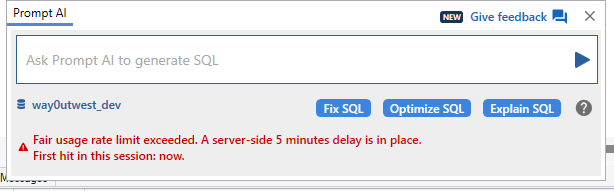
There are limits to how much and how often you can query.
Video Walkthough
I’ve tried to duplicate this in video below.